If you sell food that's prepacked for direct sale (PPDS), such as sandwiches, salads, cakes or grab-and-go items packed on the premises before a customer orders them, Natasha's Law means each one needs a label. Since 1 October 2021 that label must show the name of the food and a full ingredients list, with the 14 allergens emphasised.
Writing those by hand is slow and easy to get wrong. So most kitchens end up looking at a label printer, and quickly find that the price on the printer is only part of the cost.
This guide breaks down what you'll actually pay, what to watch out for, and how to compare options fairly.
The four costs that make up a label printer
1. The printer
Kitchen label printers are almost always thermal printers, so there's no ink to buy. They come in two main types:
- Counter-top printers that sit on the side and print from a phone, tablet or computer.
- Handheld printers with a screen built in, so staff can print at the pass without another device.
Ask whether you're buying the printer or renting it. A rental can look cheap each month but cost far more over a few years, and you may have to send it back if you leave.
2. The labels
Thermal labels are a running cost. Check:
- The price per roll and how many labels are on it
- Whether you can buy rolls from anyone, or only from the supplier
- How quickly rolls are delivered when you run low
3. The software
The printer needs something to tell it what to print. This is where the biggest differences in price, and in risk, sit:
- Typing allergens into a separate labelling app means keeping two sets of recipes. The first time a supplier changes an ingredient, they drift apart.
- Printing from the same recipes your allergen records come from means one change updates everything, which is far safer for Natasha's Law.
Check whether the software is a monthly fee, whether it includes a set number of labels, and whether there are per-label or per-user charges on top.
4. Set-up and support
Some suppliers charge to set up your products and allergens, or charge for support. Ask what's included, and who you'll speak to if a printer stops working on a Saturday morning.
Hidden costs worth checking
- Minimum contract lengths and notice periods
- Rental agreements that keep the printer as the supplier's property
- Labels only available from the supplier, at their price
- Per-label charges once you go over an allowance
- Extra fees for more users, sites or devices
- What happens to your product and allergen data if you leave
Working out the real cost
The fairest way to compare options is the total cost over the first year, and then each year after that:
Printer (one-off) + 12 months of software + the labels you'll use + any set-up fees
Then check the year-two figure, which is where rentals and add-on fees start to show.
What CompliChef costs
For reference, here's how we price it. Every printer is bought outright and yours to keep.
If you want labels as part of full kitchen compliance:
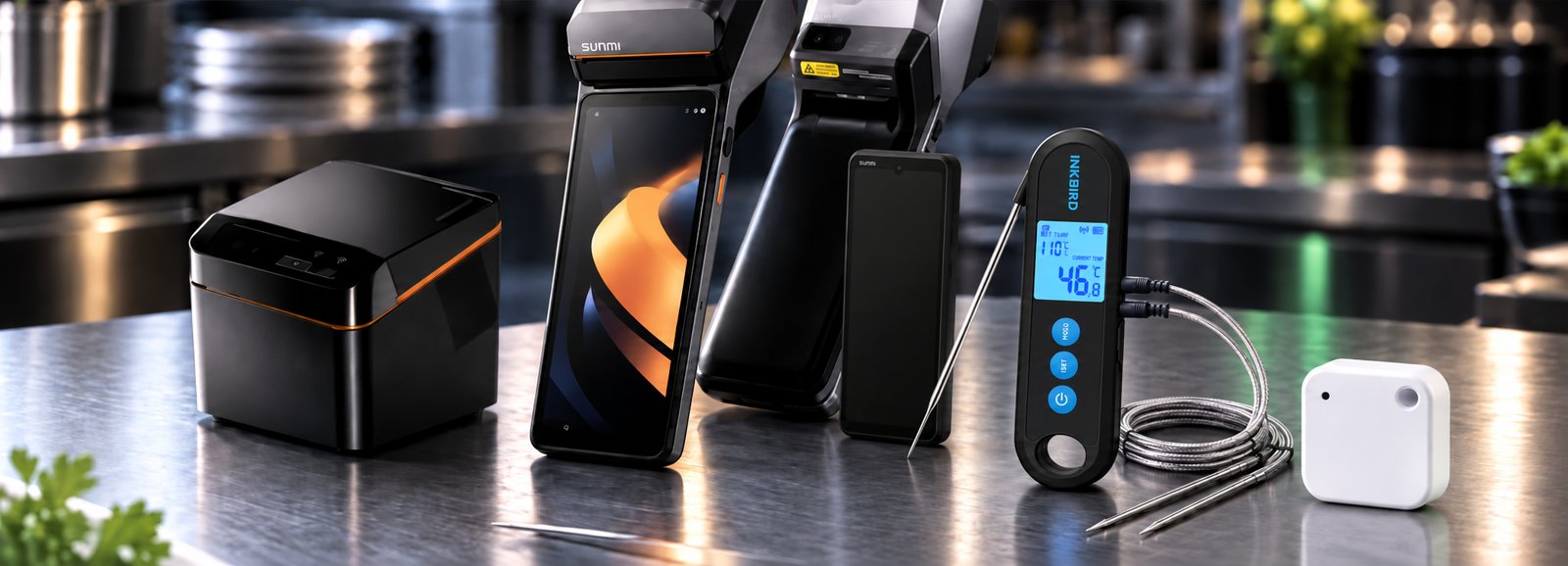
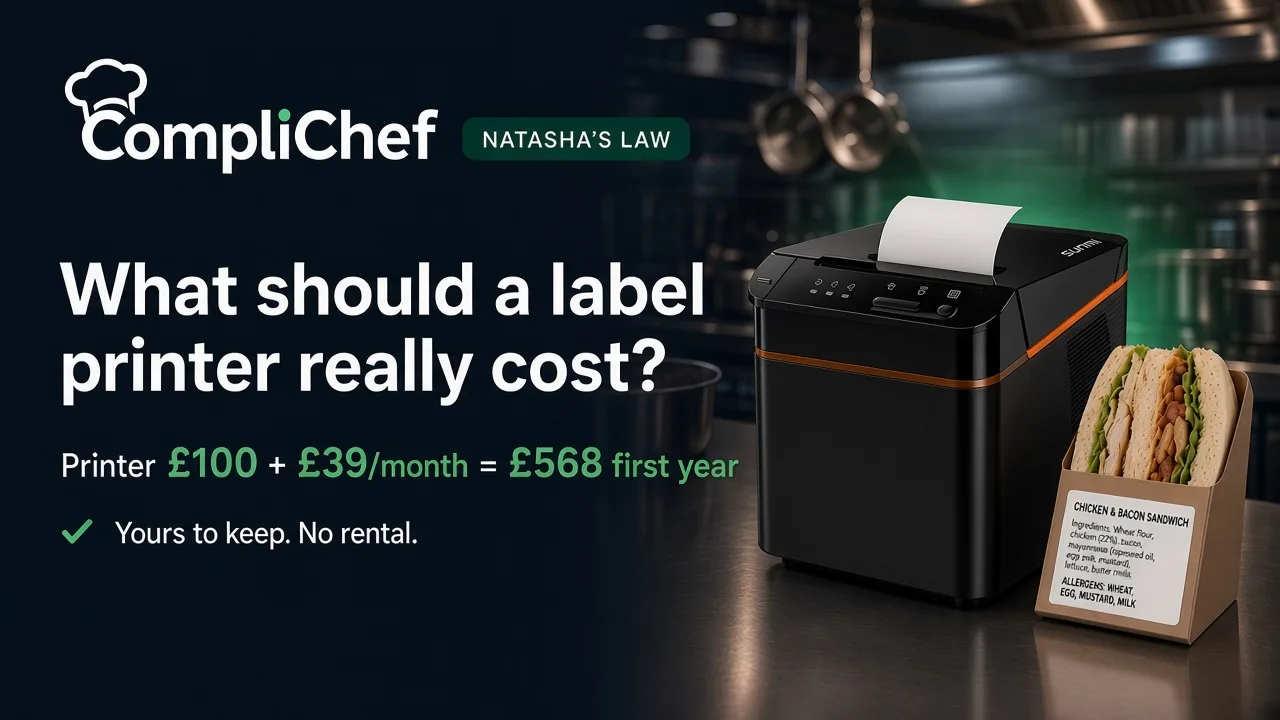
- Sunmi Cloud Printer, £100 one-off. A counter-top printer that prints from the Kitchen Portal app on your own phone or tablet.
- Multi-Staff Kitchen plan, £39 a month. Food safety records, allergens and recipes, rotas and staff for one site. Labels print straight from your recipes, so allergens are never typed twice.
- Label rolls from £1.50, dispatched within 2 working days.
That's £568 for the first year (£100 + 12 × £39) plus your label rolls, and £468 a year after that, for labels and your whole food safety system.
If you only need labels:
- Solo Labels. Buy the Sunmi V3 handheld label printer for £310, then £30 a month for a dashboard and 500 labels delivered every month. No other plan needed, and if you cancel the monthly, you keep the printer.
That's £670 for the first year (£310 + 12 × £30), including 6,000 labels, and £360 a year after that.
Optional extras:
- Sunmi M3 handheld, £250. An Android handheld set up with Kitchen Portal that prints to the Cloud Printer.
- CompliChef Kitchen Station, £599. An 11-inch Sunmi tablet in a protective case that stays in the kitchen, arrives with CompliChef installed and set up, and pairs with your label printer.
The short version
Don't compare printers on the sticker price. Compare the first-year and second-year totals, check whether you own the printer, and make sure your labels print from the same recipes as your allergen records. That last point matters more for Natasha's Law than any price difference.
See how CompliChef Labels work, Solo Labels or our full pricing. Not sure what you need? Take the 2-minute quiz.